





Meet, present, or broadcast. Same room.
Screen share, mute anyone, and let attendees jump on camera when you want them to. The grid re-spaces itself as people join.
Run it live or premiere a recording. The assistant answers the routine questions from your own material, and the follow-up sends itself.
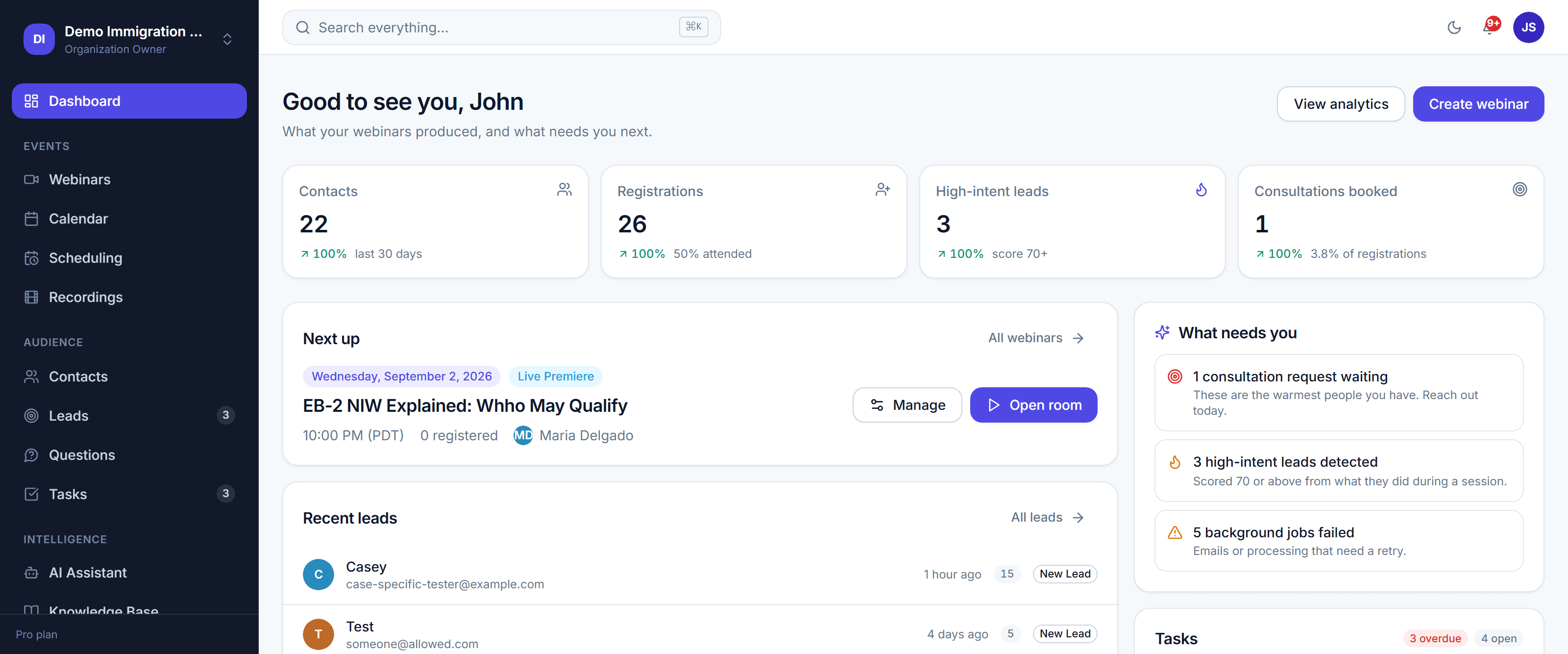
We did not build this for broadcast professionals. It is made for people with something worth saying, and the setup gets out of the way.
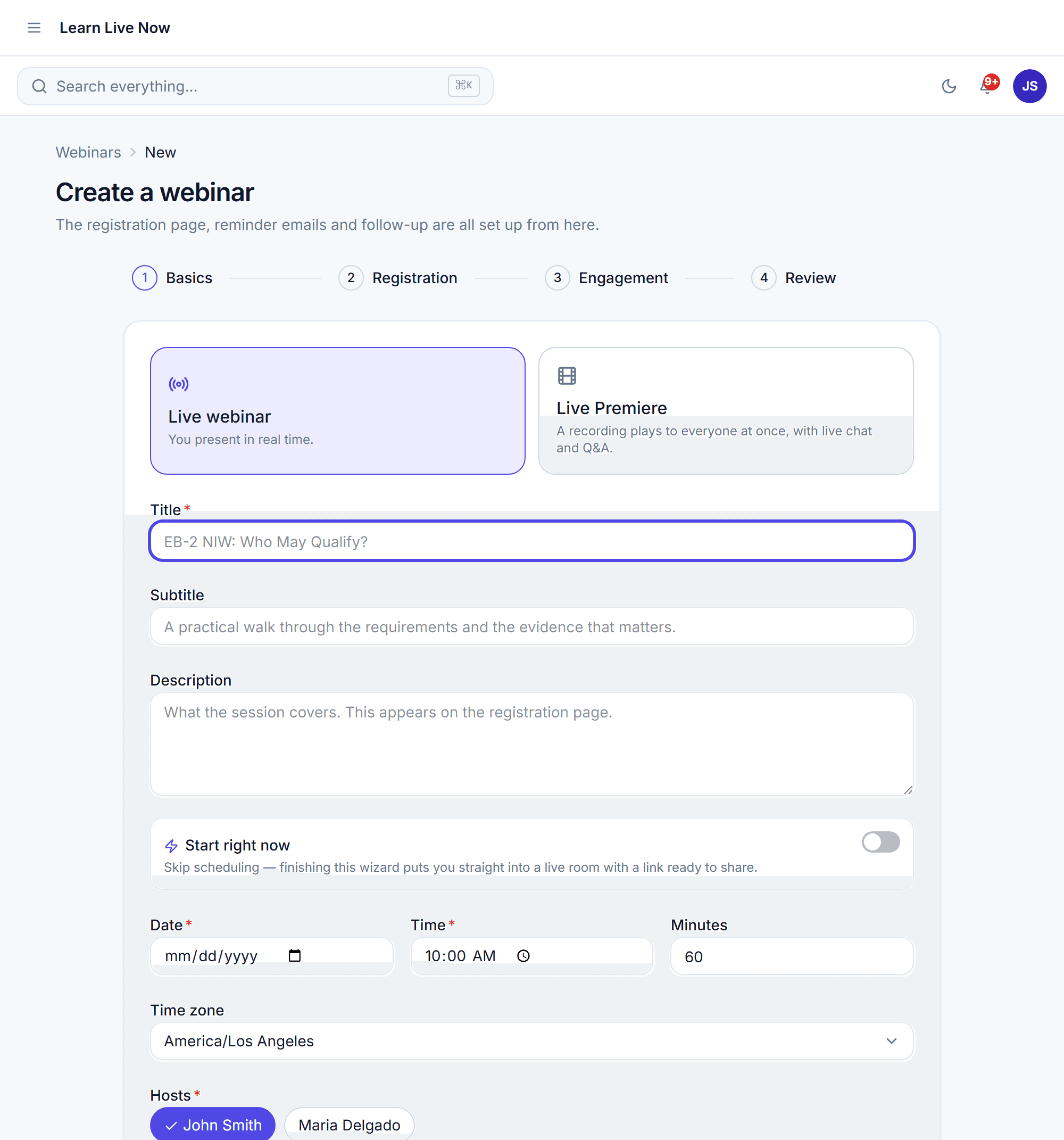
Screen share, mute anyone, and let attendees jump on camera when you want them to. The grid re-spaces itself as people join.
Registrations, contacts and booked calls flow into the CRM you have. Nothing needs re-typing after a session.
The assistant answers only from material you have uploaded, cites what it used, and says it does not know rather than inventing something.

A ruled writing pad that saves as you type. No account needed.

An infinite canvas for diagrams, with an eraser and full-page mode.

Record your screen in the browser. Nothing is uploaded anywhere.

Share a link and let people book from the hours you are free.

Upload your material once and the assistant answers from it.

Rules that fire when a session ends, so nothing waits on you.

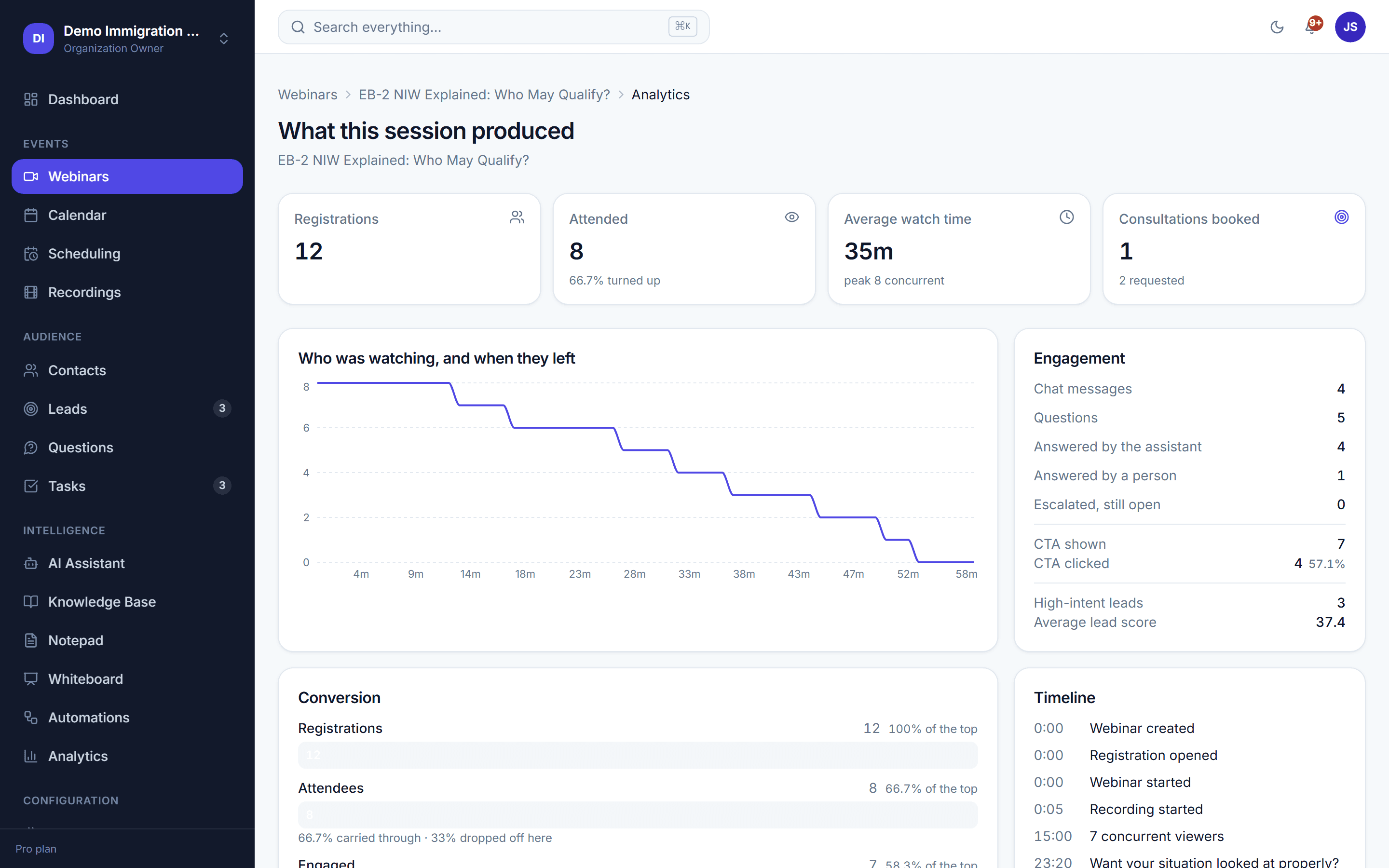
Attendance, drop-off and questions asked, per session.
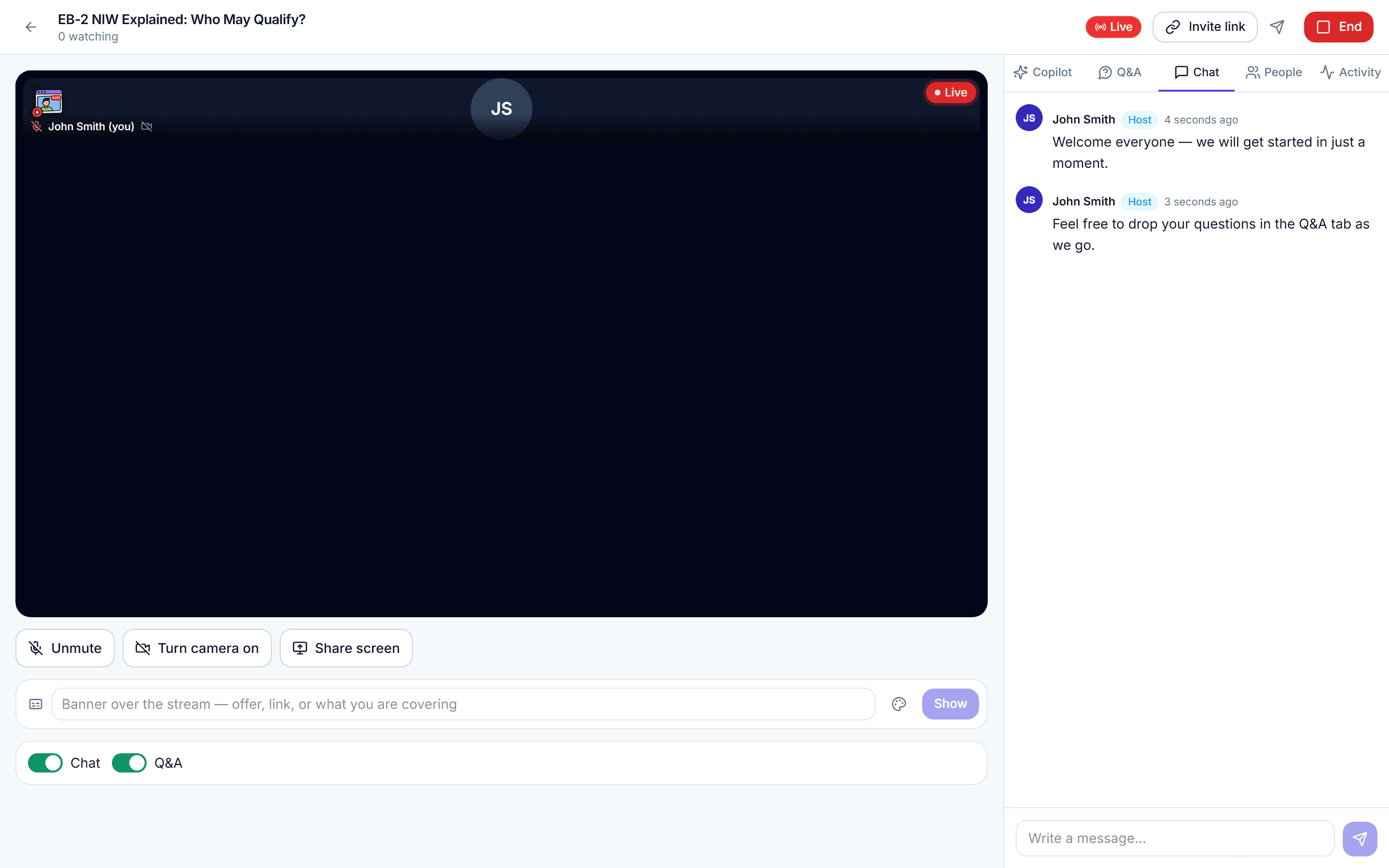
Attendees join in the browser with no download. Bring someone up on camera, share your screen, and record the whole thing in the room.
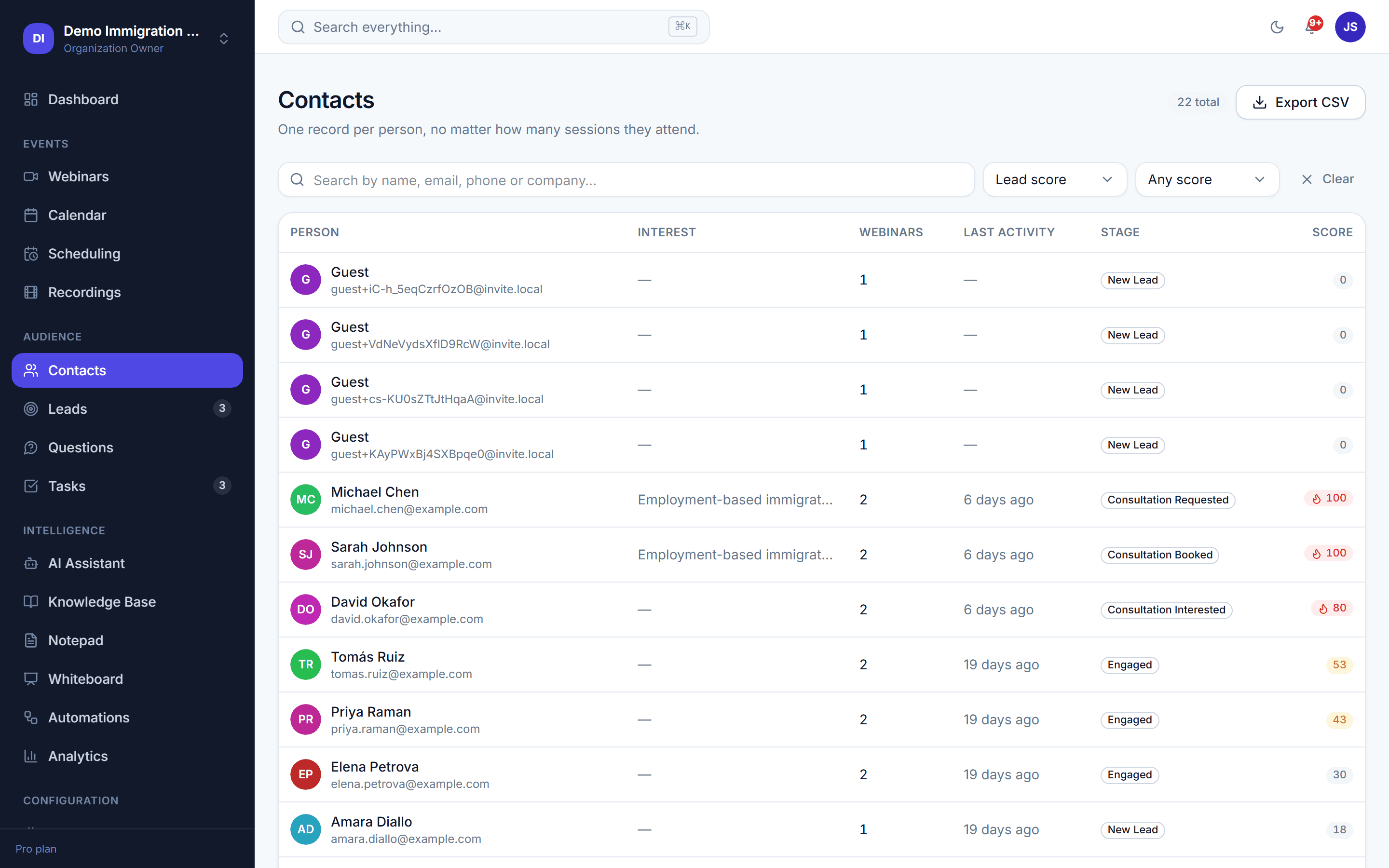
Scoring watches what people actually did — how long they stayed, what they asked, what they clicked — and puts the ones worth a call at the top.
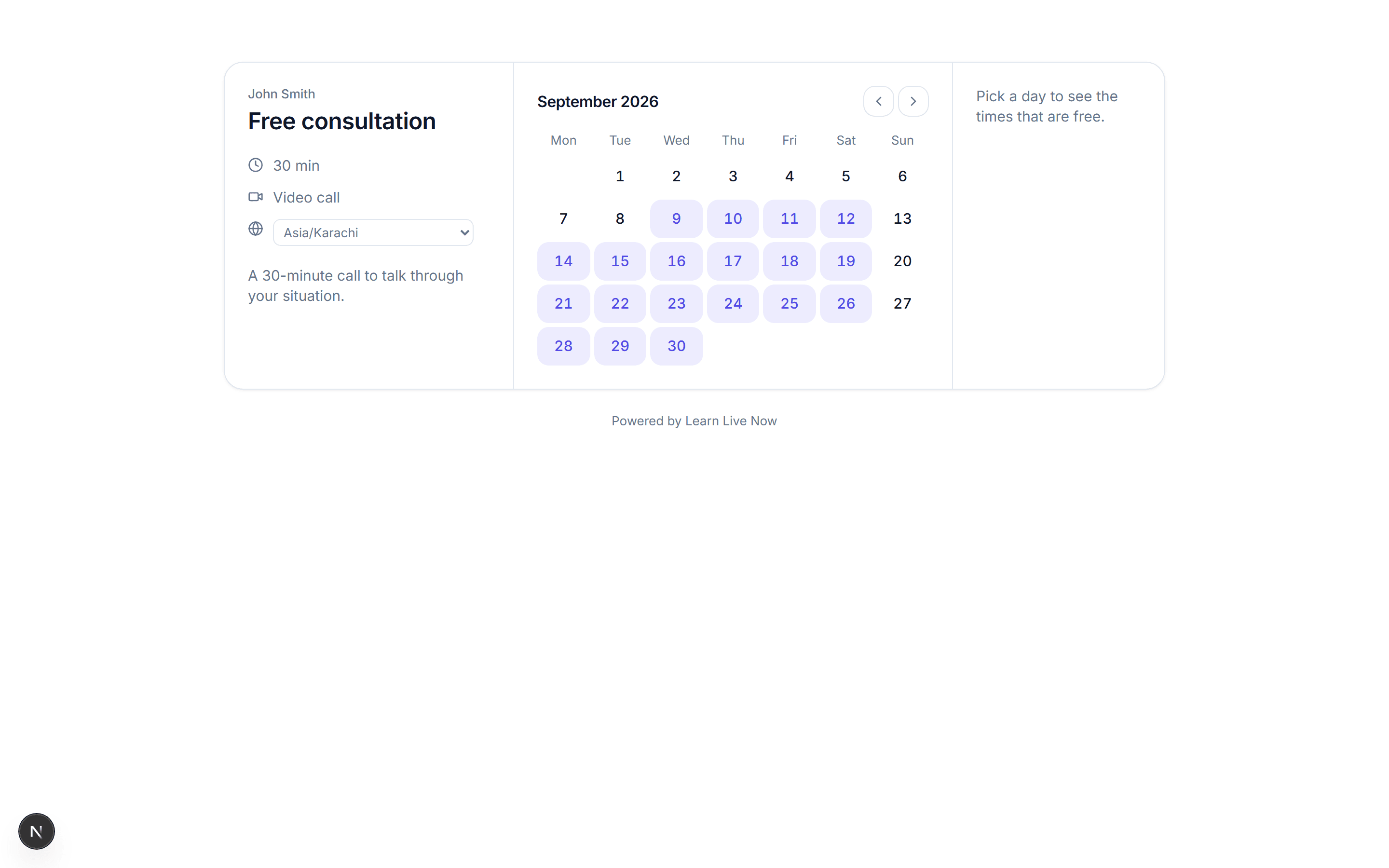
Share a booking link and people pick from the hours you are actually free. Connect a calendar and it stops offering times you are already busy.
Getting started
No. Hosts and attendees both join in the browser. Nothing to download, and nothing for your audience to sign up for beyond the registration form you build.
Yes. A premiere plays a recording on a schedule with live chat and Q&A alongside it, so it behaves like a live session without you being there.
A few minutes. Create the session, build a registration form, and share the link. The assistant and scoring work from whatever material you have already uploaded.
The assistant
Only from material you upload. Every answer cites the document it came from, and the assistant says it does not know rather than guessing when your material does not cover a question.
No. Scoring, host alerts, private notes and AI reasoning are host-only and are never sent to an attendee’s browser.
Plans and data
You can export contacts, registrations and recordings at any time. Deleting your organization removes it all.
No. The notepad, whiteboard and screen recorder work without signing in and keep what you make in your own browser. An account adds saving across devices.
Dashed boxes are waiting for artwork. Each one prints the filename it wants — drop that file into public/marketing/ and refresh. See docs/marketing-assets.md.


